Operators
Operators are used to manage multi-tenant environments by separating customers or organizational units.
Use Cases
- Create isolated tenants for different customers or teams.
- Organize Entities, Venues, Subscribers, and devices under the correct Operator.
- Control user access by assigning users to specific Operators.
Create an Operator
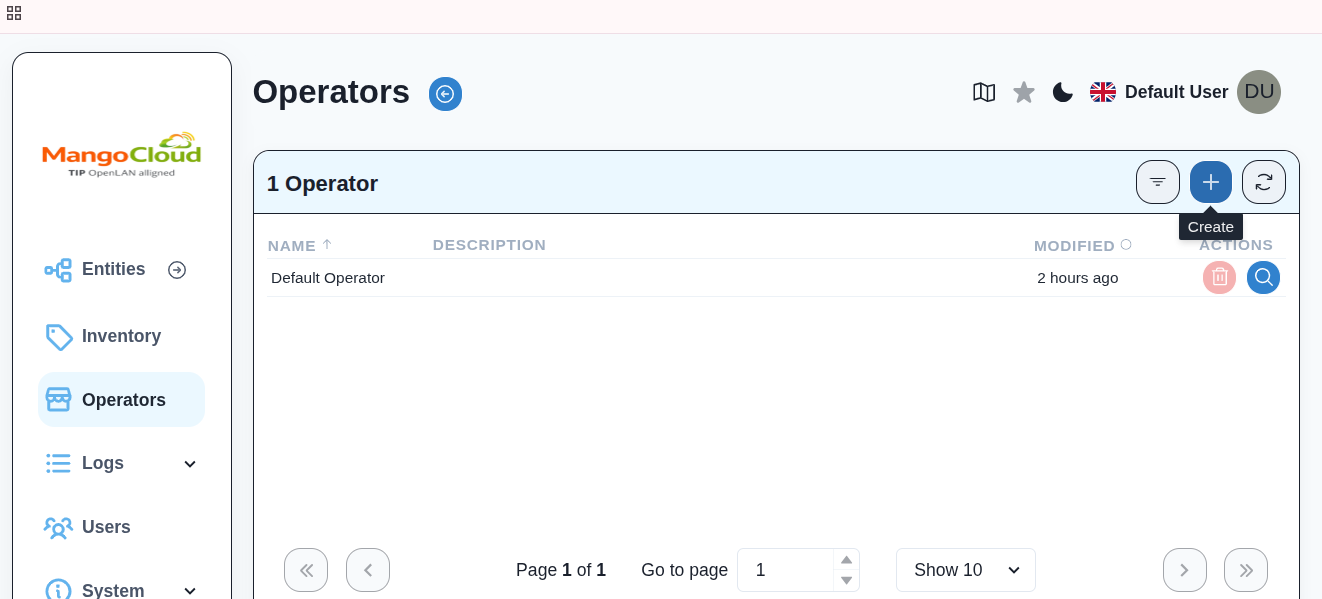
- Log in to OWPROV UI at
https://<DOMAIN_NAME>:8443. - From the left menu, navigate to
Operators. - Click
+(Add).
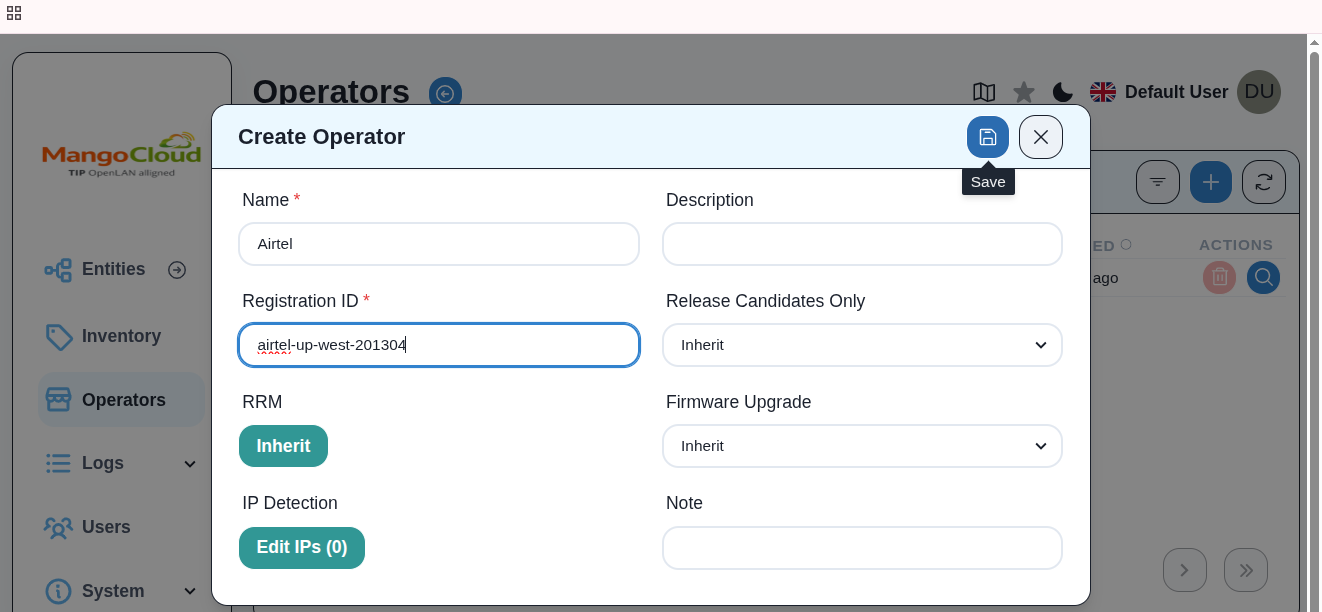
- Enter the required details:
- Operator Name
- Registration ID
- Click Save.
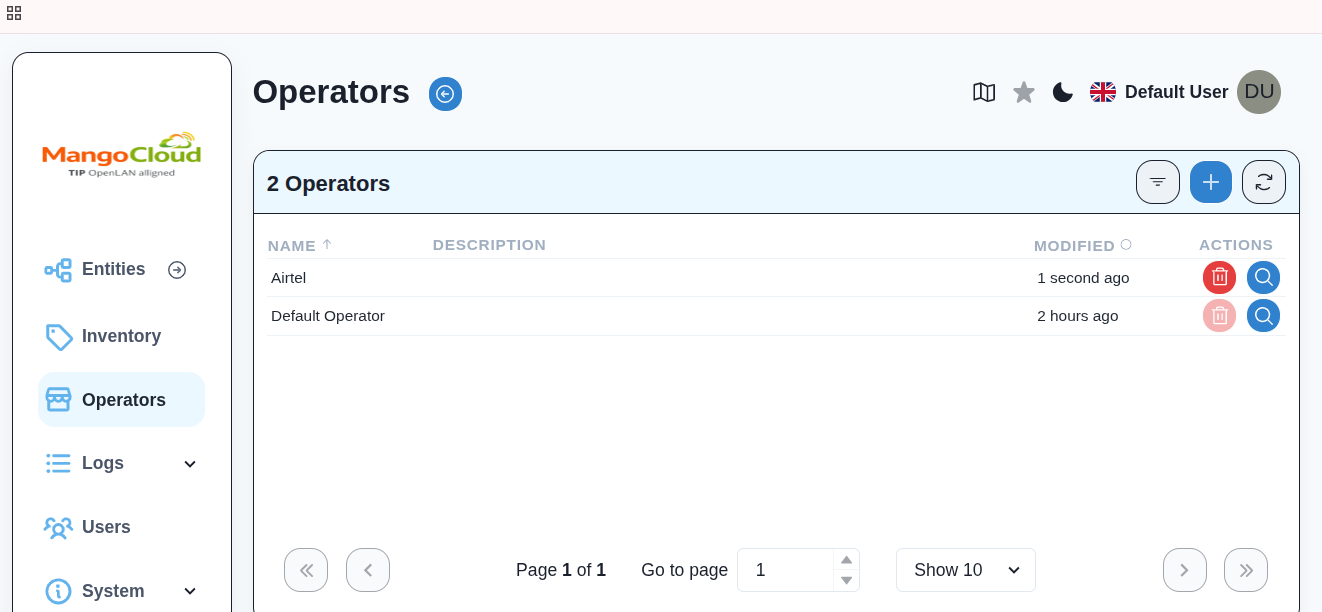
- Verify that the new Operator appears in the Operators list.
Result
- The Operator is successfully created.
- An Entity is automatically created and associated with the Operator.
- You can now create Subscribers and devices under this Operator.