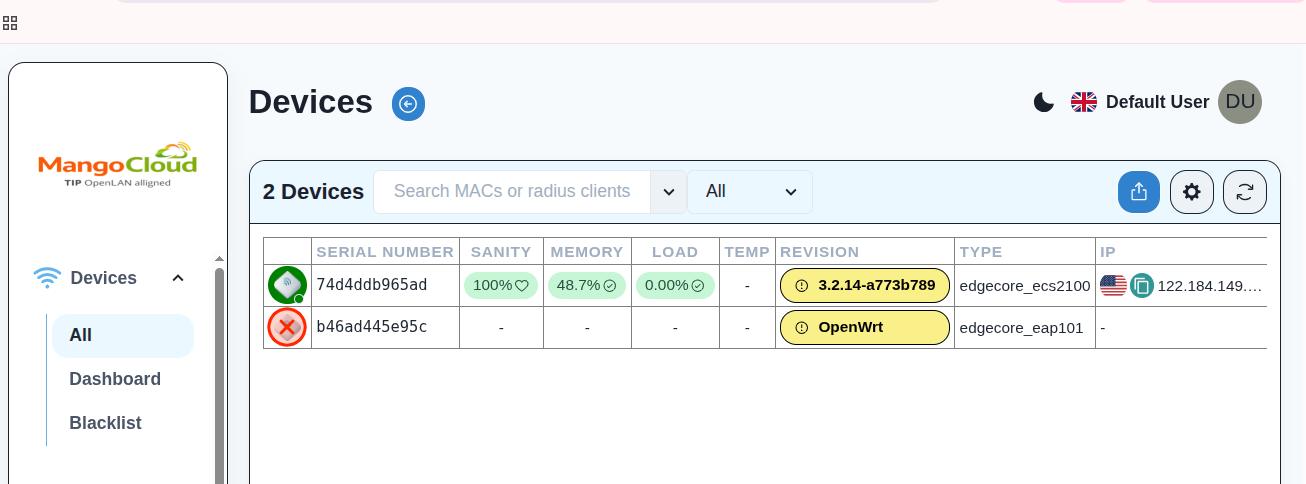
Device Blacklisting
Use case: Block stolen/lost or unauthorized devices (unknown serial numbers) from reconnecting or being onboarded. Once blacklisted, OWGW treats the device as restricted and blocks its connection and provisioning under that controller.
Steps:
- Log in to OWGW-UI.
- Go to Devices -> Blacklist.
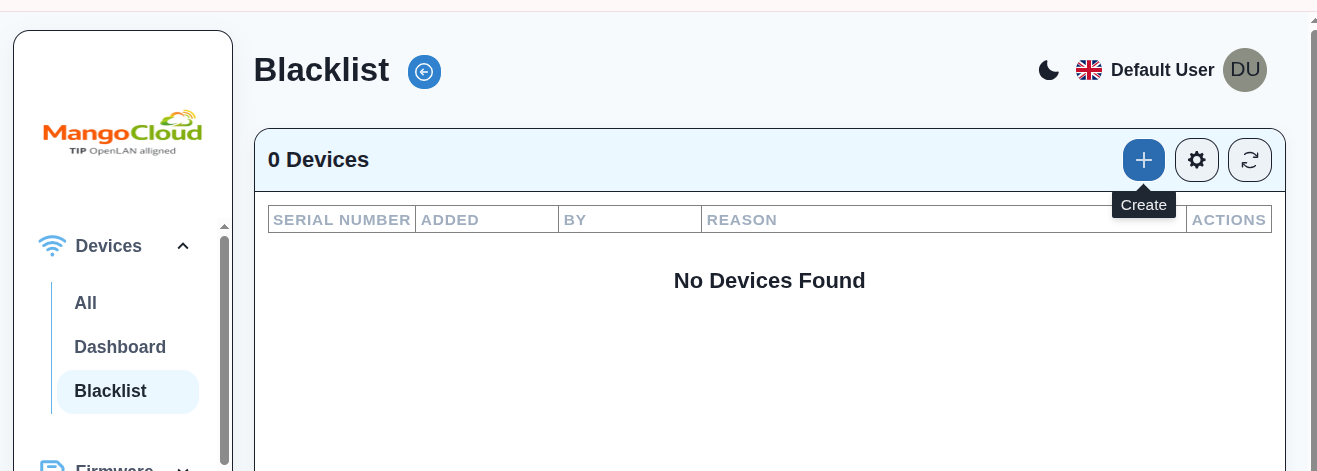
- Click Create.
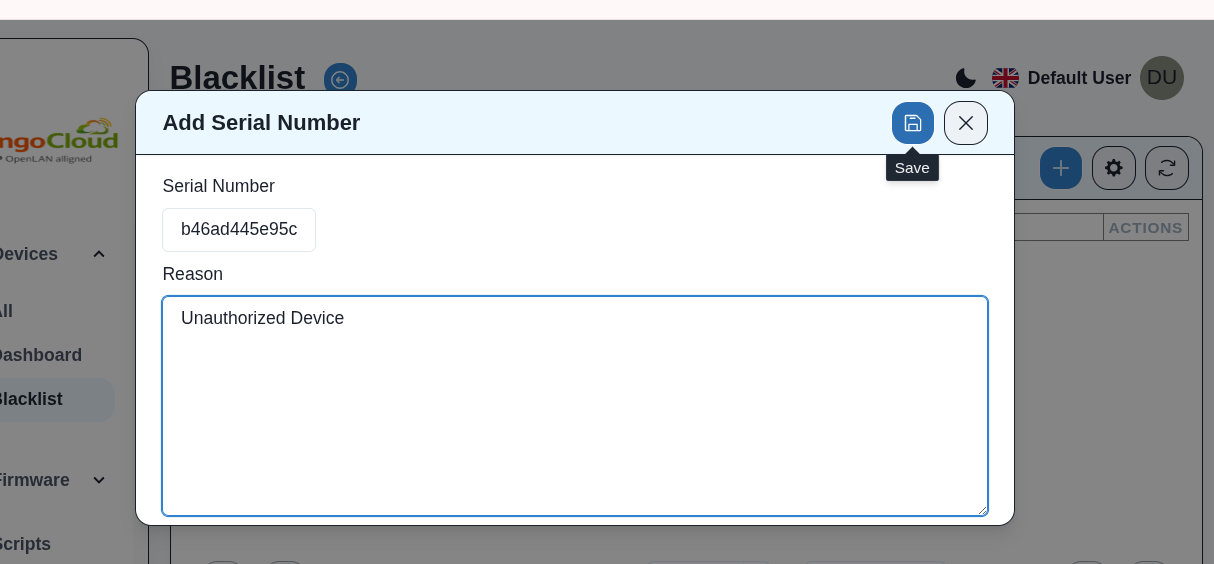
- Enter Serial Number and optional reason, then Save.
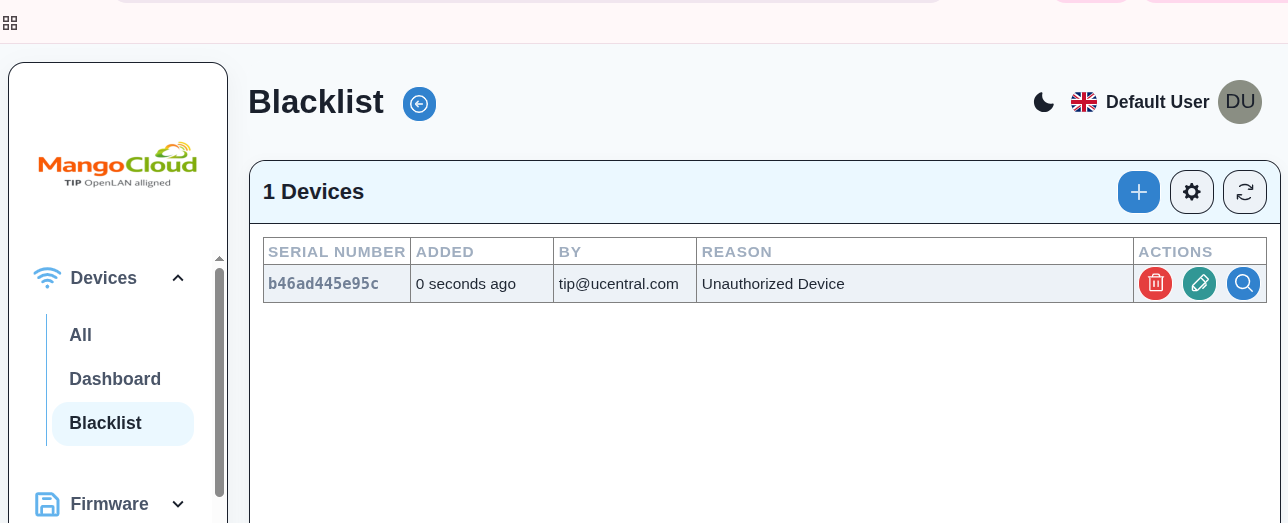
- Confirm the device appears in the blacklist list.
- The device will be marked as blacklisted in the device list.