Blink
Use the Blink action to physically identify a device in the field by triggering its LED indicator.
How to Use
- Open the Actions menu for the desired device.
- Select Blink.
- If the command is successful, a confirmation prompt will appear.
- The device LED will blink for a predefined duration.

Verification
To confirm that the Blink command was executed successfully:
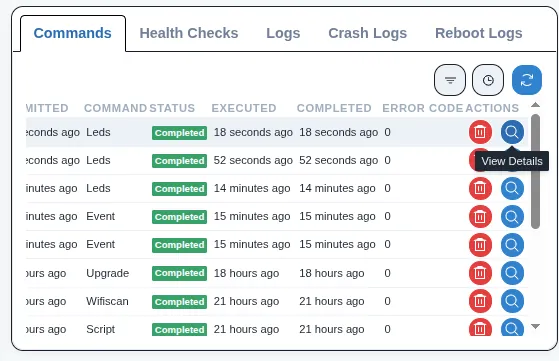
- Navigate to the Commands section and verify a timestamp matching your action.
- Alternatively, click View Details and check for
"result": "done"in the response preview.