Trace
Use Trace to capture live network traffic from the device for troubleshooting.
How to Use
- Open the Actions menu for the device.
- Select Trace.
- Configure the trace type and duration.
- Click Start to capture live traffic.

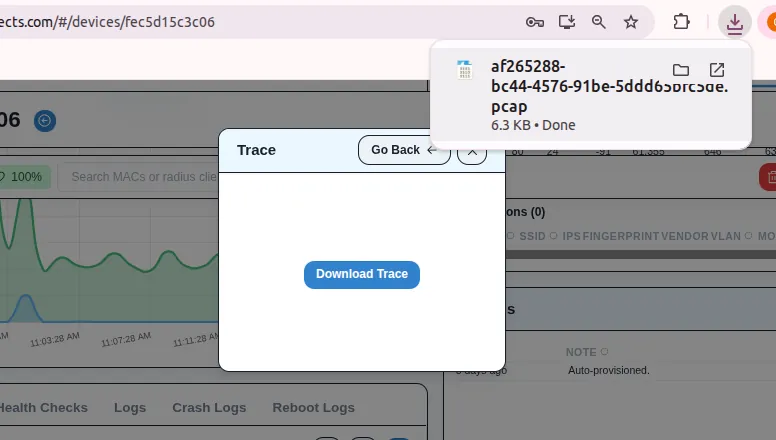
Result
- The device captures traffic based on the selected trace settings.
- After the command completes, you can download the output as a
.pcapfile for analysis.